
Launch the free-play client
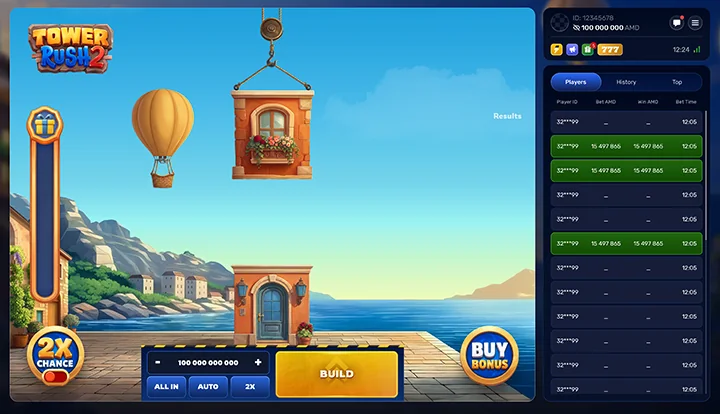
The embedded game is supplied by Galaxsys and loads only after you press Launch. Closing the demo removes that connection from the page. Full-screen mode is available when the browser permits it. This guide does not operate the game server or hold a player balance.
If embedding is unavailable, try the provider’s desktop demo or mobile demo. Those are external pages with their own access conditions. A loading screen alone is not confirmation that the playable client has finished opening.
18+ · Subject to local access restrictions
What free play can and cannot teach
A demo makes the difference between active and secured amounts easier to see than a written description alone. It also lets you inspect the price shown by a bonus purchase before involving real funds. This is especially useful for returning players whose knowledge comes from the first Tower Rush.
What it cannot demonstrate is whether a casino will verify your account, accept a payment or release a withdrawal. Those actions belong to an operator’s account system. A virtual win does not become a cash claim, and the demo’s progress meter is not progress towards a casino welcome-offer requirement.
| Use the demo for | Do not use it as evidence of |
|---|---|
| Locating Build and Cashout | A guaranteed profitable exit target |
| Understanding a 50% split | A typical return in cash play |
| Reading feature prices | A casino’s bonus eligibility |
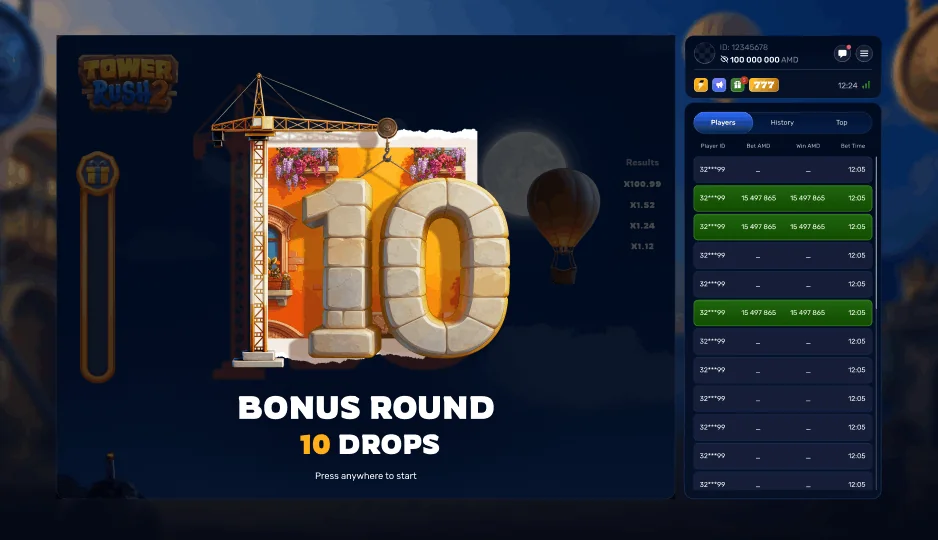
| Observing the ten-drop sequence | A predictable bonus-trigger schedule |
| Checking the mobile layout | A completed deposit or withdrawal test |
A focused six-part practice session
Start with the screen, not the outcome
Identify the title, virtual balance, base stake and rule panel. Locate a way to close the client before beginning. A useful practice session ends with clearer understanding, not necessarily a larger virtual balance.
Observe ordinary settlement
Follow a basic round and identify which amount is active. After a completed cashout or loss, compare the result with the balance display. Do not change several optional settings at once while you are learning what a button does.
Learn the partial-cashout split
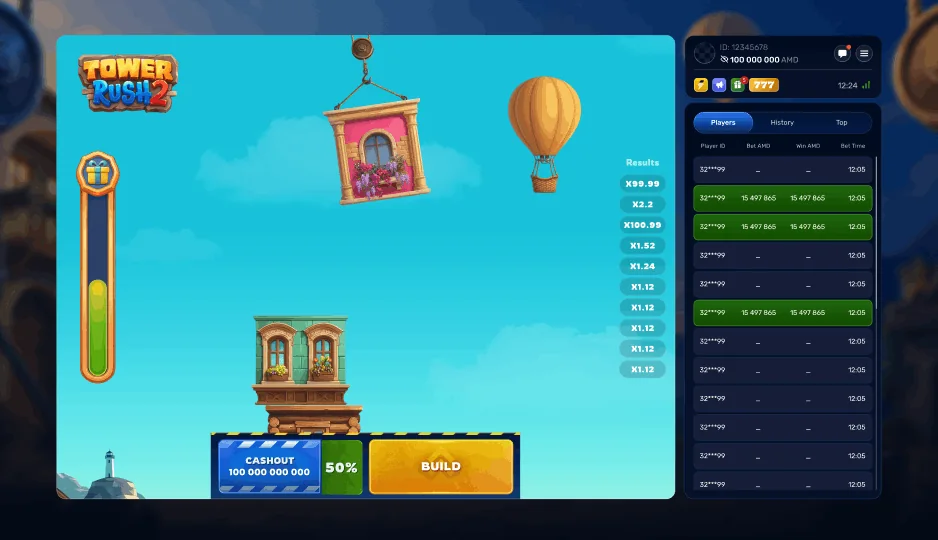
When 50% Cashout becomes eligible, inspect the secured half and the remaining half. Record the two figures separately. Later events cannot affect the secured portion according to the published rule, but they can affect the amount still in play.
Read an extra-cost option
Compare the selected base bet with a 100× Buy Bonus price or the 25% Double Chance surcharge. The exercise is to understand expenditure. It is not necessary to purchase every available feature, even with virtual credits.
Watch the bonus logic
Distinguish a Triple Build event from the ten-floor round. In the latter, observe how a 0× removes the most recently applied positive multiplier. Do not carry the first game’s Frozen Floor explanation into this sequence.
End and summarise
Write down what each control did and which costs you understood. Stop when the planned time has elapsed. There is no required number of demo rounds that proves readiness for cash play or validates a betting system.
Demo results and real-money decisions
The provider publishes 97% RTP for Tower Rush 2. A short demo run is not a measurement of that long-run figure. Several large virtual wins do not make a later cash session more promising; several losses do not establish that a compensating win is due.
Real funds can also change behaviour. The same optional continuation may feel more urgent after a real loss, and a progress bar may encourage extra spending. That is why account limits and a stopping plan remain relevant even after the controls become familiar. Free-play confidence should not replace affordability checks.
Compare a session by its learning goal: could you distinguish a base bet from total cost, recognise the sequel’s bonus rules and identify a settled result? If yes, the demo has served a purpose regardless of the balance at the end.
When the game will not load
First separate a page problem from a provider-client problem. If this article loads but the game remains on the Galaxsys logo, the embedded request has opened but the external client may not have completed. Use the direct provider link to check whether the same problem occurs outside the embed.
Use an up-to-date supported browser and a stable connection. Close an unused duplicate game tab. If a session was already active, check its history before refreshing. Do not disable browser security protections or install an unofficial APK in response to a loading error.
Access may differ by location, provider availability or an operator’s rules. A technical workaround should not be used to circumvent eligibility restrictions. For a cash-game problem, contact the operator through the account you used and include the exact title, time and error text; this independent guide cannot settle a remote round.
Frequently asked questions
Can demo winnings be withdrawn?
No. The free-play balance is virtual and does not create a cash entitlement.
Do I need to deposit to read the rules?
No deposit is required to read this guide or launch its provider-demo request. External provider pages may apply their own access conditions.
How many rounds prove a strategy works?
No small practice sample establishes a profitable strategy or verifies the long-run RTP. Set a learning objective and a time limit instead.
Why does the demo show a loader?
The provider client may not have completed loading. Try the direct provider route and check the current browser and connection; access restrictions may also apply.
Does free play test casino withdrawals?
No. Account verification, payment processing and cash withdrawals are outside the demo.
Can I use the demo on a phone?
The provider offers a mobile demo route. Check that the interface and controls fit your device and browser.